Copy Discs
You can make exact copy of your data discs and video DVDs or make ISO files from it. Making disc copies are suitable for creating backups.
Click File >> Copy Disc.
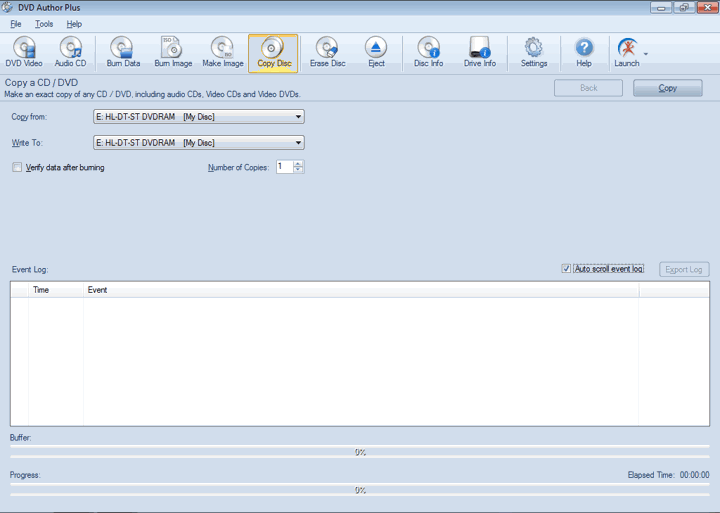
Insert a disc into the drive. Choose a source and a target drive. Make sure that the target drive has enough free space available to store your data. If you have only one drive, select the same as both source and target.
A disc image is created on the hard disk. Insert the new disc and make exact copy of the original one by writing the image file to it.
If you are making more than one disc, increase the Number of Copies.
You can optionally check the option Verify data after burning. After the disc is completely written, DVD Author Plus reads all the files from it and compares them to the original ones, guaranteeing that no data was lost during the burning process.
When you click Copy, the Event Log is updated at each stage of burning process.
|