Eject a Disc
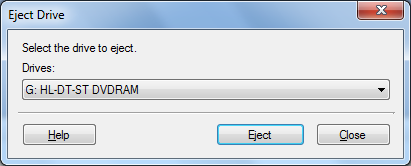
Eject the disc after erasing it or after you finish writing data. If you have multiple drives, you must select which drive to eject from the dropdown.
Click Tools >> Eject.
Note: While a drive is being used by certain programs, it is locked and cannot be opened. Close any software that has locked the drive, then try to Eject again.
|