Adding Media Files to the Conversion List
Start the conversion process by adding files form your PC. Click File >> Add Files.
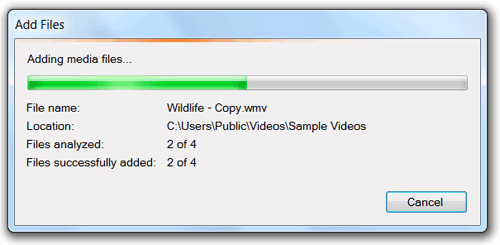
The files that are being added are first analyzed. For example, it is checked if the file is already present in the conversion list. If present, the file is not added to the list. After a file is analyzed successfully, it is added for conversion.
The Add File Summary dialog is displayed when the analysis of all the files is finished. The summary shows the count of the selected files, the successfully added files, and the files that are not added.
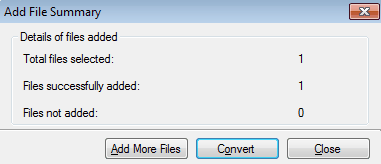
You have option to add more files and start converting them instantly.
|