Configure Advanced Settings
Click Tools >> Settings >> Advanced.
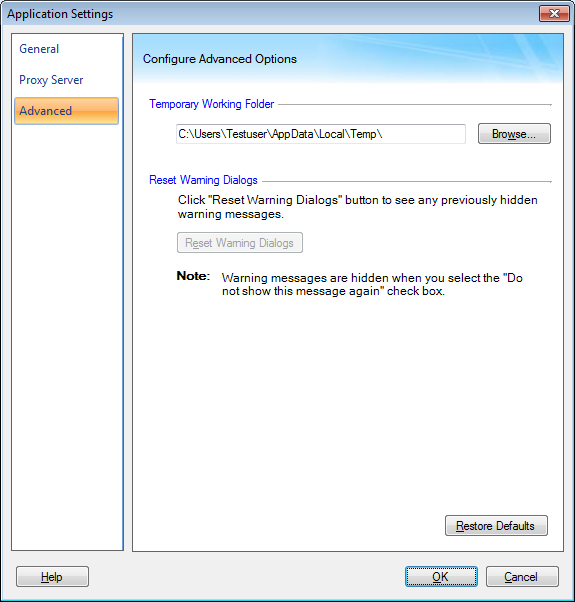
Temporary Working Folder
The files created during conversion are stored in the temporary working folder. Since the files are temporary, they are deleted from the folder when the process is complete. The location of the temporary working folder can be specified with the Browse button. The folder must be located on the drive having enough of free space.
Reset Messages
There are various help dialogs that appear while using the application. These dialogs can be disabled by selecting the Do not show the message again checkbox. If you want to read these messages again, click the Reset Messages button
|