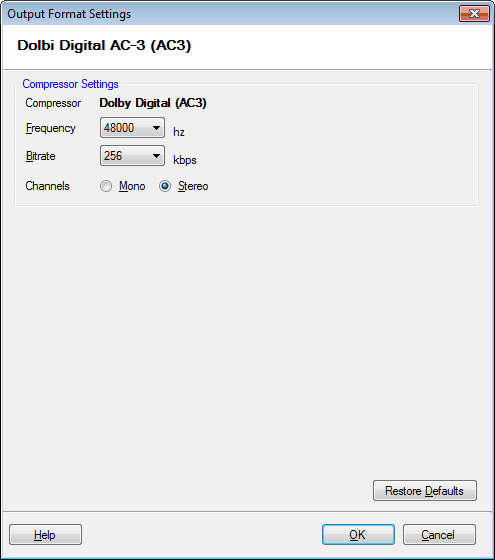
To configure AC3 Conversion Settings, click Formats >> Select Standard Formats >> AC3 DTS >> Configure.
The Dolby Digital (AC3) produces audio files with a rich surround sound. The frequency is set to 48000 Hz, and bitrate is 256Kbps. The Stereo audio channel creates an impression of sound heard from various directions.