Adaptive Multi-Rate (AMR) compression is designed to record and transmit speech. AMR files are very small, but can introduce distortion into recorded audio. The AMR compression method is not designed or recommended for music.
To configure AMR Conversion Settings, click Formats >> AMR >> Configure.
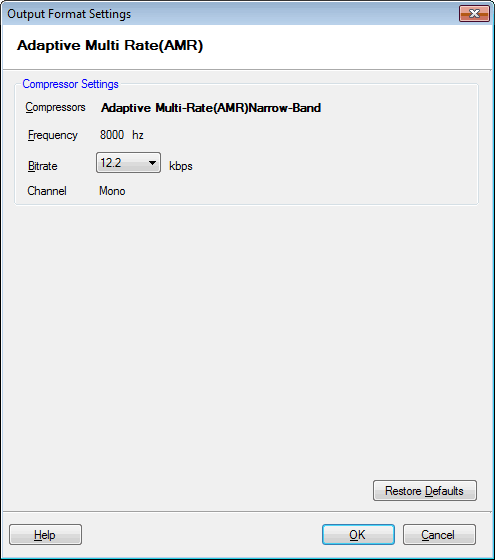
The Adaptive Multi-Rate (AMR) Narrow-Band is used to encode the audio files. The frequency is set to 8000 Hz and the bitrate is 12.2 Kbps. Mono audio channel produces small files but the audio is heard at a constant sound level.