WAV files have the highest possible quality at a given bitrate, but are very large. This is a good option for archiving or editing purposes. WAV files are compatible with Windows and Mac PCs and some portable players.
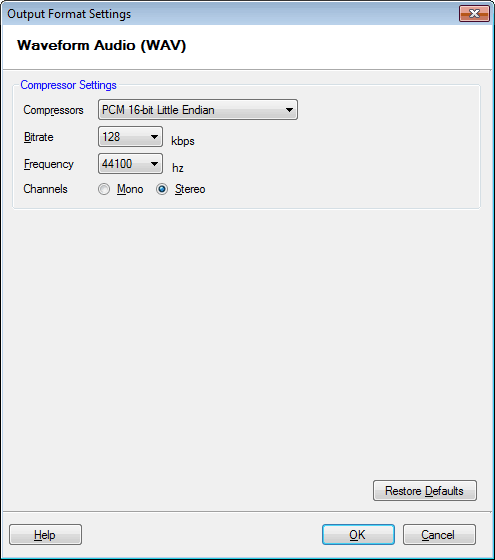
To configure WAV Conversion Settings, click Formats >> WAV >> Configure.
By default, the compressor that is selected is PCM 16-bit Little Endian. You can change the compressor from the drop-down menu. The frequency is set at 44100 Hz, bitrate at 128 Kbps and audio channel on Stereo.