Changing the Voice
You can use a wide variety of voices with Text Speaker. Listen or purchase professional voices from DeskShare.
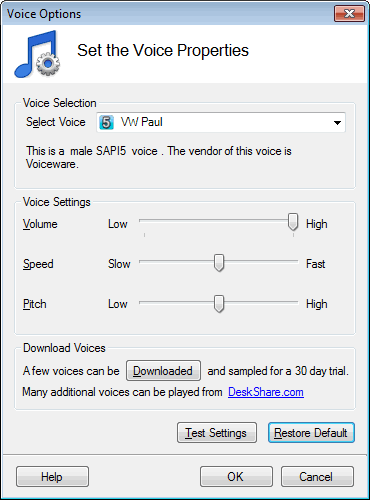
To change a voice, click Tools >> Voice and select a voice from the dropdown. Your entire document will be read in the selected voice.
Changing Voices Within a File
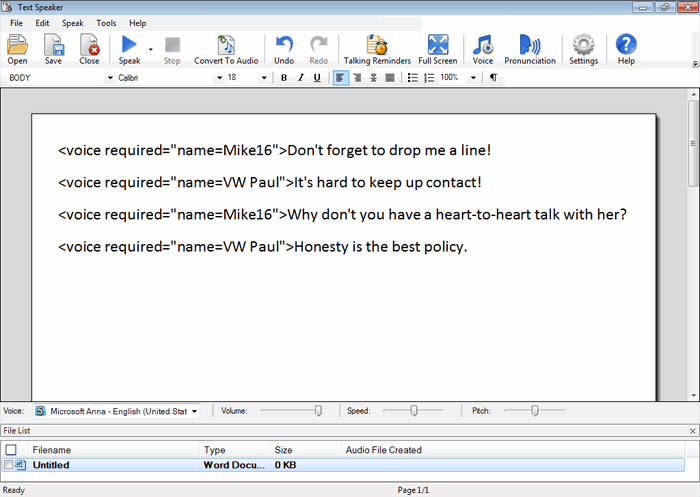
Sometimes you may need your document to be read by multiple voices. For example, you may want a male voice to read part of the document and a female voice to read another part. In this case you can insert a new voice at any point within the document using a special voice tag. Text Speaker will switch to the other voice as soon as it reaches this tag.
An example of a voice tag is <voice required="name=Mike16">.
|