Getting the IP Address of Your Computer
You can check the primary IP address of your computer.
Click Tools >> View my Computer IP Address.
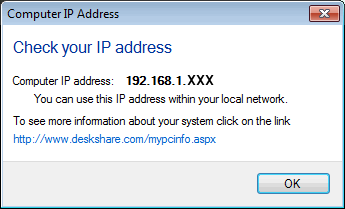
If your PC accesses the Internet using a router (sometimes called a network firewall) you have to click on www.deskshare.com/mypcinfo.aspx to find the public (external) IP address to use when connecting to the broadcast over the Internet.
If your PC is configured to use a proxy server, you will have to configure the proxy settings. Consult your network administrator for the correct proxy settings.
For information on configuring your router or proxy to allow video broadcasting over the Internet, read the article Configuring Your Camera and PC for Internet Broadcasting.
|