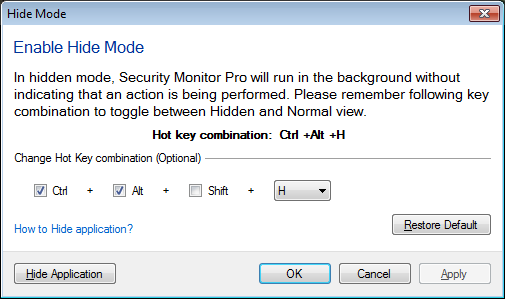
You can hide the
Security Monitor Pro from the PC screen and keep it running in background.
To hide the application, go to the File menu and select the ‘Enable Hide Mode’ option.
Set the hot key combination to hide and unhide the application from the PC screen. Remember this key combination and use it to switch between hidden and normal mode.
In hidden mode, Security Monitor Pro will not appear in the taskbar or notification tray area. It will continue running in background performing the configured actions like monitoring, broadcasting or recording.