Welcome to Digital Media Converter Pro
Digital Media Converter Pro is the fastest and most feature packed all-format audio and video conversion software available. Use Digital Media Converter Pro to convert more than 170 media format and supports over 70 different portable devices. The program's intelli-setting technology analyzes the file you are converting and determines the best conversion settings - this guarantees the best conversion quality.
Choose a single file on your PC or entire folders to convert. It can even search and download files from a webpage or grab videos for conversion. Digital Media Converter Pro has built-in profiles to let you convert your media to play on devices like Apple iPhone, iPad, Microsoft Zune, Sony PSP and many more. The program will even add converted files to your iTunes playlists automatically!
Convert your Audio CDs collection into audio formats like MP3, WMA, M4A and OGG. Digital Media Converter Pro convert your TV shows and remove the commercials. It can even watch a folder for new files to convert.
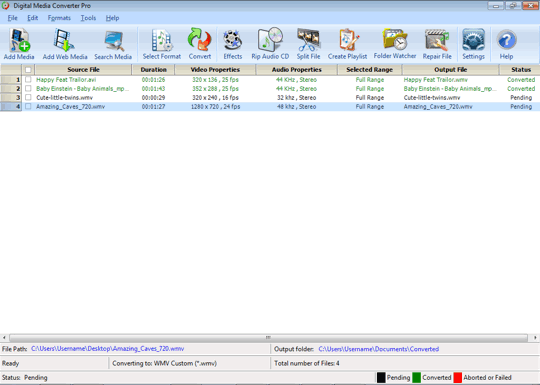
Digital Media Converter Pro User Interface
 |
Getting Started:
|
|